
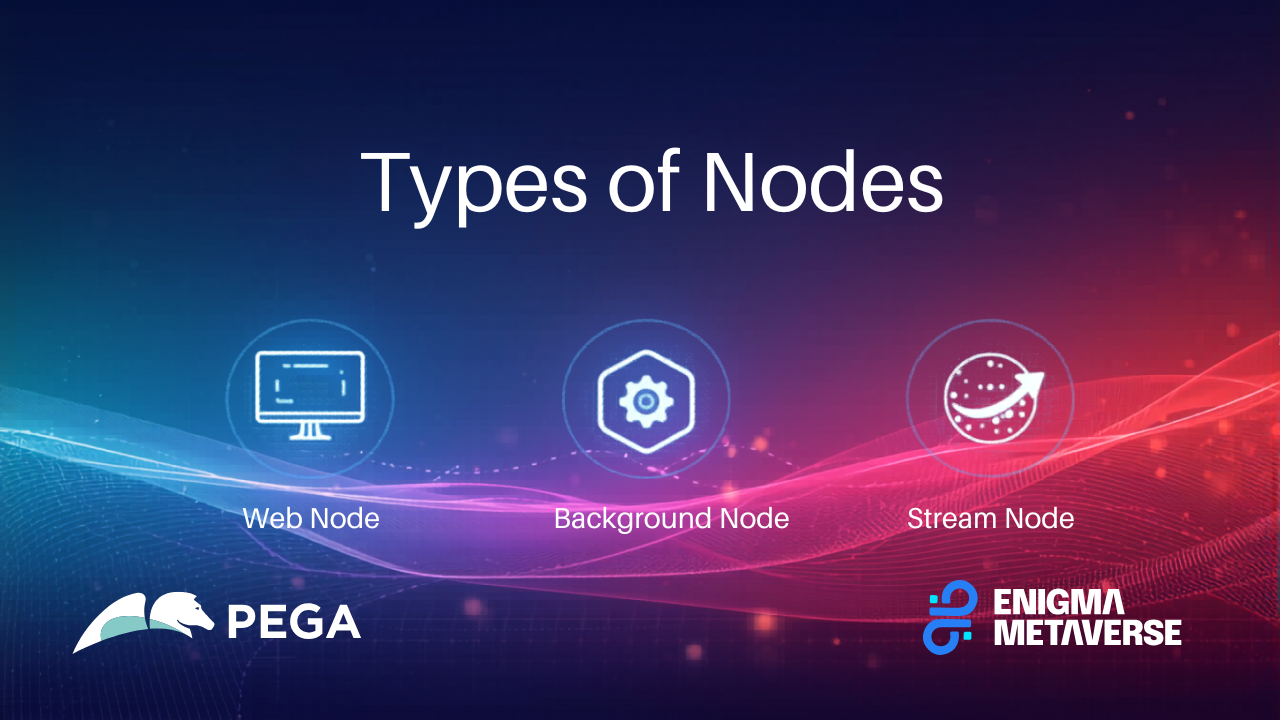
In Pega Platform, a cluster is a group of JVM nodes that work together to run applications with scalability, high availability, and workload separation. Each node can be assigned one or more node types, which control what background processing and system responsibilities that node performs.
Node types are configured through Dynamic System Settings (DSS) and are used by Pega to route queue processors, agents, listeners, search indexing, and other background work to the right servers.
This article explains the main node types used in a Pega cluster, what each one does, and common deployment patterns.
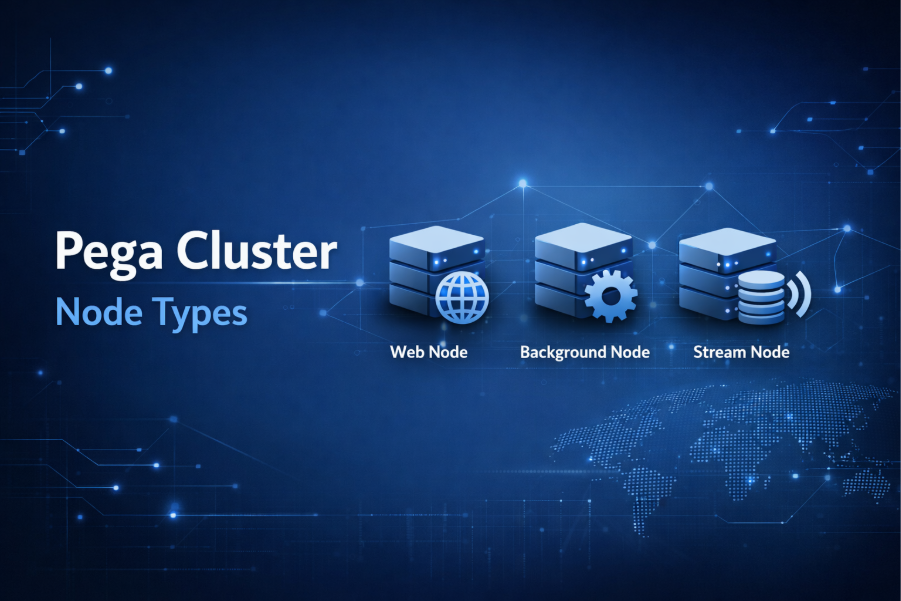
1. WebUser (Web / Requestor Node)
Dedicated to processing interactive user sessions. These nodes handle the HTTP/HTTPS traffic from end-users, ensuring that UI rendering and user-initiated actions remain responsive.
Responsibilities
- Serves UI (Constellation / Theme Cosmos / portal interactions)
- Processes case actions initiated by users
- Executes synchronous activities and data transforms
- Handles authentication and session management
What it should NOT do
- Heavy background processing
- Queue processor execution
- Search indexing
- Batch jobs
Best practices
- Keep WebUser nodes lightweight for better UI performance.
- Scale horizontally when user load increases.
- Avoid running long-running jobs on these nodes.
2. Background Processing (Async Processing Node)
This node type is dedicated to asynchronous processing. Executes asynchronous tasks such as agents, listeners, and job schedulers. By offloading resource-intensive utility work (like file processing or bulk updates) to these nodes, you prevent performance degradation on WebUser nodes.
Responsibilities
- Queue Processors (QPs)
- Job schedulers
- Background utilities
- Async service processing
Separating background work prevents user-facing latency caused by heavy async tasks.
Best practices
- Use dedicated background nodes in production.
- Scale based on queue depth and throughput.
- Monitor queue processor performance.
Typical workloads
- Email sending
- Integrations
- SLA processing
- Data synchronization
3. Search (Indexing Node)
Handles Elasticsearch indexing and search-related queue processors. It is responsible for keeping the search index (Rules, Data, and Work) updated so users can find items quickly via the global search or report definitions.
Responsibilities
- Elasticsearch indexing
- Search query execution
- Updating indexes for cases and data
Typical scenarios
- Large case volumes
- Reporting and search-heavy applications
4. Stream (Streaming / Real-time Data Node)
Manages Kafka-based stream processing. It is mandatory for running Queue Processors. If no Stream node is available, Pega temporarily queues items in the database until a Stream node becomes active.
Responsibilities
- Stream service processing
- Kafka-based event streaming (used internally by Pega)
- Real-time data pipelines
When used
- Event-driven architectures
- Real-time decisioning
- High-volume data ingestion
5. BIX Nodes
Reserved for Business Intelligence Exchange data extractions. This prevents massive data export jobs from consuming memory and CPU needed by other services.
Responsibilities
- Large data exports
- Batch extraction jobs
- Reporting data feeds
Why separate it
BIX operations are I/O intensive and can impact UI performance if run on user nodes.
Best practices
- Schedule exports during off-peak hours.
- Use dedicated nodes for large exports.
Decision Strategy Manager (DSM) Node Types
Applications using Pega Customer Decision Hub (CDH) or Decision Management utilize specialized nodes for AI and data processing:
- ADM (Adaptive Decision Manager): Runs the service that manages adaptive models. It processes customer responses in real-time to update the AI’s predictive capabilities.
- DDS (Decision Data Store): Manages the Cassandra cluster used for high-speed storage and retrieval of decisioning data, such as customer profiles and interaction history.
- Batch: Dedicated to running Decision Management background processes, such as large-scale batch data flows.
- RTDG (Real Time Data Grid): Provides services for historical analysis and forecasting for next-best-action strategies.
- RealTime: Specifically handles real-time DSM requests, such as executing strategies for active user interactions or API calls.
How Node Types Are Configured
Node types are enabled using Dynamic System Settings:
prconfig/nodeclassification/default
or through node classification settings depending on the deployment model.
Each node advertises its type at startup, and Pega routes work accordingly.
Recommended Production Architecture
A common enterprise setup:
- WebUser nodes (multiple)
- BackgroundProcessing nodes (dedicated)
- Search nodes (dedicated)
- Stream nodes (If required)
- BIX nodes (optional, based on load)
This separation improves:
- Scalability
- Stability
- Performance isolation
Monitoring and Troubleshooting Tips
- Use Admin Studio to view node classifications.
- Monitor queue processor backlog.
- Watch CPU/memory utilization per node type.
- Ensure background nodes are not overloaded.
Key Takeaways
- Node types control what work runs where in a Pega cluster.
- Separate user traffic from background processing for best performance.
- Dedicated nodes improve scalability and stability.
- Configure node types based on workload characteristics.
Conclusion
For a production environment to be considered enterprise-ready, it must transition from a “one-size-fits-all” server model to a multi-node architecture where each resource is precisely tuned to its specific operational purpose.
