
Introduction
Pega Platform continues to evolve to help development teams build maintainable, scalable, and efficient business applications. With Pega Infinity ‘26.1, updates to data access and integration patterns provide developers with opportunities to simplify application configuration and improve maintainability.
Data Pages are a fundamental component of Pega development. They provide a reusable way to retrieve and manage data from databases, REST services, and other configured sources. However, how developers configure these Data Pages, define their parameters, and connect them to data sources can significantly affect application performance and maintainability.
According to Pega’s release documentation, the Pega Common Application ‘26.1 release includes updates to data and integration patterns, including simplified list Data Page parameters, changes to data-source configurations, and the removal of certain deprecated rules from primary rulesets. Pega Support Center
In this article, we’ll explore the key changes, their practical implications, and the considerations developers should keep in mind when working with Pega applications.
1. Understanding Data Pages in Pega
A Data Page is a Pega rule that retrieves and makes data available to an application when needed.
Data Pages help separate data access from business logic. This allows developers to use data without tightly coupling application rules to the details of the underlying source.
For example, an insurance application might use:
- D_CustomerDetails to retrieve customer information.
- D_PolicyDetails to retrieve policy information.
- D_ProposalList to display a list of proposals.
- D_ProductList to retrieve available insurance products.
Instead of implementing the same data-retrieval logic in multiple sections or activities, developers can reuse a Data Page across appropriate parts of an application.
Data Pages also support caching, allowing Pega to reuse loaded data according to the page’s scope and refresh configuration. This can reduce unnecessary calls to data sources when the existing data is still valid. Pega Academy
2. What’s New in Pega Infinity ‘26.1?
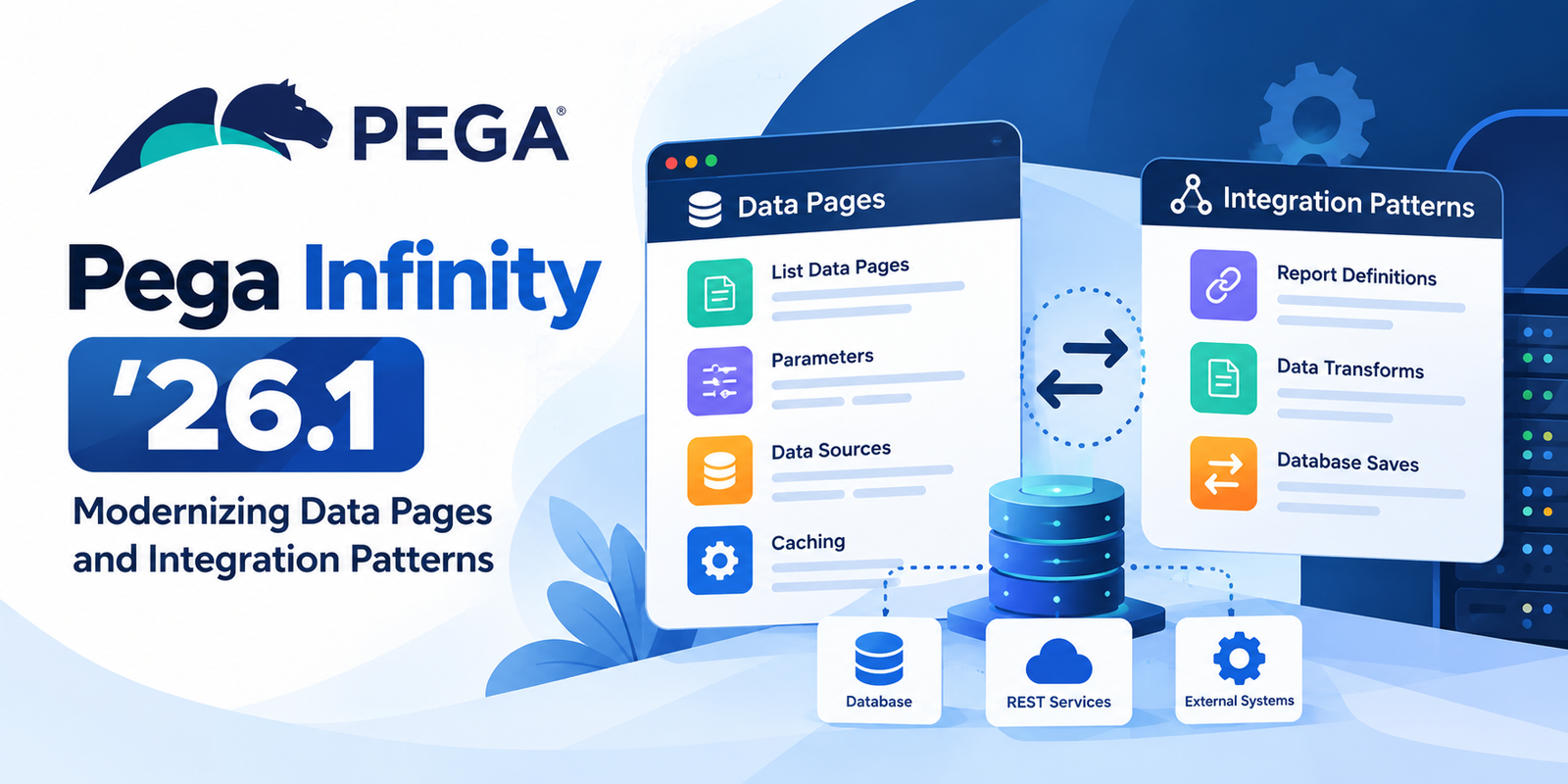
One of the notable areas of change in Pega Common Application ‘26.1 is the modernization of data and integration patterns.
The release documentation identifies several changes relevant to developers.
Simplified parameters for list Data Pages
The updated application patterns replace the JSON searchCriteria parameter with individual parameters for list Data Pages.
Why does this matter?
Using clearly defined parameters can make data requirements easier to understand, configure, and maintain. Developers can also more directly associate individual inputs with filtering requirements.
For example, imagine a proposal application that retrieves records based on:
- Customer ID
- Proposal status
- Product type
With individual parameters, each input can be represented explicitly in the Data Page configuration rather than being grouped into a single JSON search-criteria parameter.
Developer takeaway: When working with the updated application patterns, review how list Data Pages receive their parameters and ensure that any dependent rules use the expected parameter structure.
These changes are specific to the updated application patterns and should not be assumed to apply automatically to every existing custom implementation. Pega Support Center
Updated data-source configurations
The release documentation also describes changes to how list and savable Data Pages are sourced in the updated application patterns.
Depending on the Data Page, sources have been modified to use local mechanisms such as Report Definitions, Data Transforms, and database saves where applicable, rather than relying on earlier Connect REST patterns.
This is important because developers need to understand how data is retrieved, transformed, filtered, and saved within their applications.
For example, a list Data Page may use a Report Definition to retrieve proposal records. Filters can be configured directly in the Report Definition instead of relying on additional programmatic filtering in a Data Transform.
This can make the data-retrieval configuration easier to inspect and maintain.
However, the best approach depends on the use case, the underlying data source, and the application’s existing architecture.
3. Using Report Definitions to Filter Data
Report Definitions are commonly used in Pega to retrieve records from a database based on specified criteria.
When a Data Page uses a Report Definition as its source, developers should carefully configure the report to return the records required by the application.
Consider an insurance application that displays proposals for a specific customer.
The application may need to filter records by customer ID and proposal status.
A well-configured Report Definition can retrieve the required records directly, helping avoid unnecessary processing of unrelated records.
When reviewing a list Data Page, consider the following:
- Confirm that the Report Definition retrieves the correct class of records.
- Review the filters and ensure they reflect the business requirements.
- Avoid retrieving more data than the application needs.
- Check whether pagination is appropriate for large result sets.
- Verify that the Data Page returns the expected list structure.
Best practice: Apply appropriate filtering as close to the data source as practical. This can reduce unnecessary data retrieval and processing, although performance should always be validated against the actual implementation.
4. Understanding the Role of Data Transforms
Data Transforms are used in Pega to manipulate data, copy property values, initialize pages, and map information between structures.
They are particularly useful when data retrieved from one source needs to be mapped into the structure expected by an application.
For example, an external service might return customer information using a different property structure from the one used by a case.
A Data Transform can map the returned values into the appropriate properties.
This separation helps keep mapping logic organized and reusable.
In the updated Pega Common Application patterns, developers should review how Data Transforms are used alongside Data Pages and Report Definitions rather than assuming that every existing transformation rule needs to be replaced. Pega Support Center
When designing a Data Transform:
- Map only the properties required by the application.
- Handle missing or optional values appropriately.
- Keep the transformation logic understandable.
- Check that the target properties match the expected data structure.
- Test the transformation with representative data.
These practices help reduce mapping errors and simplify troubleshooting.
5. Why Data Page Scope and Refresh Strategy Matter
Data Page configuration is not limited to selecting a data source. Developers must also consider scope and refresh behavior.
Pega provides Thread, Requestor, and Node scopes for read-only Data Pages.
The appropriate scope depends on where the data needs to be available and whether it can safely be shared.
For example, a list of countries may be suitable for Node scope because it is reference data shared across users.
In contrast, information specific to an individual case may require Thread scope.
Refresh behavior is equally important. A Data Page that continues serving outdated information can lead to incorrect decisions or unexpected application behavior.
Pega recommends configuring refresh strategies to help ensure that data remains sufficiently current for the business requirement. Pega Academy
Before deploying changes, verify:
- Whether the data changes frequently.
- Whether the data can be shared across requestors.
- How long cached data can remain valid.
- Whether the page must be refreshed after an update.
- Whether unique parameter combinations could create unnecessary Data Page instances.
These considerations are particularly important in applications that retrieve customer, policy, proposal, or transaction information.
6. Changes to Deprecated Rules and Extension Patterns
The Pega Common Application ‘26.1 release documentation identifies the removal of certain deprecated rules from primary rulesets.
It also describes a simplified extension pattern involving InvokeExtension, which is deprecated and removed from the primary rulesets in the updated application patterns.
For development teams, this highlights the importance of reviewing release-specific documentation before upgrading or extending an application.
Developers should not assume that a rule used in an older implementation remains part of the supported configuration for a newer application version.
Before making changes:
- Identify whether the application uses any affected rules.
- Review the official upgrade instructions for the specific application.
- Understand the replacement or extension pattern.
- Test the affected functionality in a development environment.
- Validate integrations and regression scenarios before deployment.
These steps can help teams manage changes while minimizing disruption to existing functionality.
Importantly, the release documentation states that existing functionality continues to work for existing implementations and that teams can adopt the updated patterns progressively where appropriate. Pega Support Center
7. Practical Checklist for Pega Developers
When reviewing Data Pages and integration configurations in a Pega application, use this checklist:
Data Page configuration
- Confirm the page structure and object type.
- Verify the configured data source.
- Review the required parameters.
Performance
- Avoid retrieving unnecessary records.
- Evaluate scope and cache reuse.
- Configure an appropriate refresh strategy.
- Review large list results and pagination requirements.
Data mapping
- Validate Data Transform mappings.
- Handle optional and missing values.
- Check the returned structure against application expectations.
Upgrades
- Review the documentation for the target application version.
- Identify deprecated or removed rules that affect your implementation.
- Validate the updated configuration in a development environment.
- Perform regression testing before production deployment.
This checklist can help developers identify configuration issues early and maintain more reliable applications.
Conclusion
Pega Infinity ‘26.1 introduces important updates to the data and integration patterns used in Pega Common Applications.
Simplified list Data Page parameters, updated data-source configurations, and changes to deprecated rules demonstrate the importance of keeping application implementations aligned with supported patterns.
For Pega developers, the goal is not simply to adopt every new configuration immediately. It is to understand which changes affect the application, review the relevant release documentation, and adopt appropriate improvements without compromising existing functionality.
By combining well-designed Data Pages, effective filtering, clear data mapping, and careful upgrade planning, development teams can build Pega applications that are easier to maintain and better aligned with evolving platform capabilities.
References
