
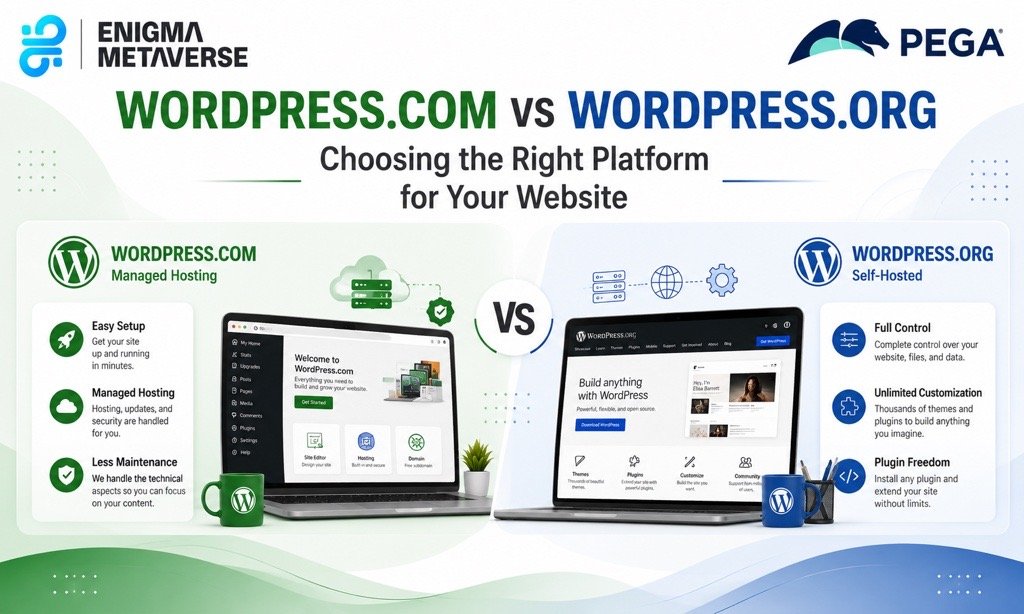
When creating a website with WordPress, one of the first decisions you’ll face is choosing between WordPress.com and WordPress.org. Although both share the WordPress name and use the same core software, they serve different purposes and offer different levels of control, customization, and flexibility.
Understanding the differences can help you choose the platform that best fits your needs.
Understanding WordPress.com
WordPress.com is a hosted website platform. It takes care of hosting, maintenance, security, and updates, allowing users to focus primarily on creating content.
With WordPress.com, you can create a website quickly without worrying about technical setup. This makes it an attractive option for beginners, personal blogs, and users who want a simple website management experience.
Benefits of WordPress.com
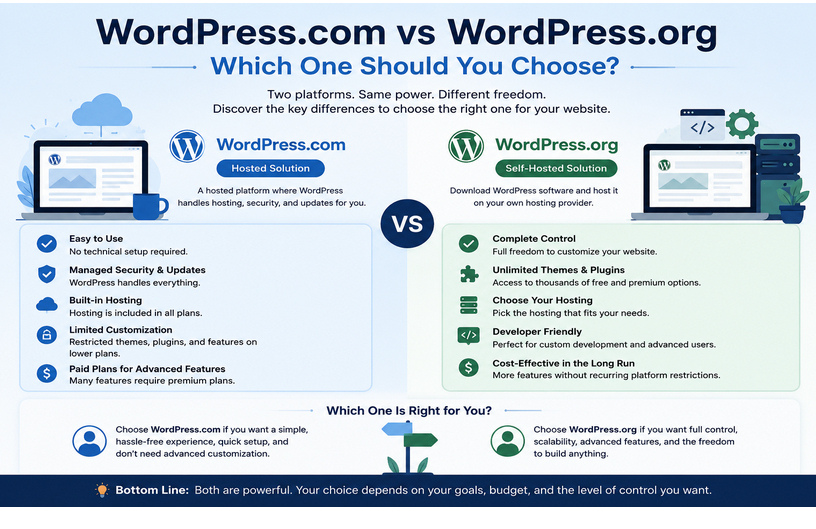
One of the biggest advantages of WordPress.com is convenience. Hosting, security, backups, and software updates are managed automatically. Users do not need technical knowledge to get started, making it ideal for those who want a website up and running quickly.
Limitations of WordPress.com
While WordPress.com is easy to use, it offers less flexibility. Customization options can be limited on lower-tier plans, and certain plugins, themes, and advanced features may require paid subscriptions. Users also have less control over the hosting environment.
Understanding WordPress.org
WordPress.org, often called “self-hosted WordPress,” allows users to download the WordPress software and install it on their own hosting provider.
This option gives complete control over the website, including themes, plugins, custom code, performance optimization, and monetization strategies.
Benefits of WordPress.org
The greatest advantage of WordPress.org is flexibility. Users can install any theme or plugin, customize every aspect of their website, and fully control their data and hosting environment.
It is the preferred choice for businesses, e-commerce stores, developers, and organizations that require advanced functionality.
Limitations of WordPress.org
With greater control comes greater responsibility. Users must manage hosting, updates, backups, security, and technical maintenance themselves or hire someone to do so. This can require additional time and resources.
Key Differences Between WordPress.com and WordPress.org
The primary difference is ownership and control. WordPress.com provides a managed environment where most technical tasks are handled for you, while WordPress.org gives you complete ownership and freedom to customize your website.
WordPress.com is generally better for users seeking simplicity and convenience. WordPress.org is better suited for users who need flexibility, scalability, and full control over their websites.
Which One Should You Choose?
If you’re creating a personal blog, portfolio, or small website and want a hassle-free experience, WordPress.com may be the better option.
If you’re building a business website, online store, membership platform, or custom web application, WordPress.org is usually the recommended choice because it offers unlimited customization and growth potential.
Conclusion
Both WordPress.com and WordPress.org are powerful website-building solutions, but they cater to different audiences. WordPress.com focuses on simplicity and ease of use, while WordPress.org emphasizes flexibility and control.
For beginners who want a straightforward setup, WordPress.com can be an excellent starting point. For businesses and users who need complete ownership and advanced customization, WordPress.org remains the preferred choice.
Choosing the right platform depends on your goals, technical comfort level, and long-term website requirements.
