
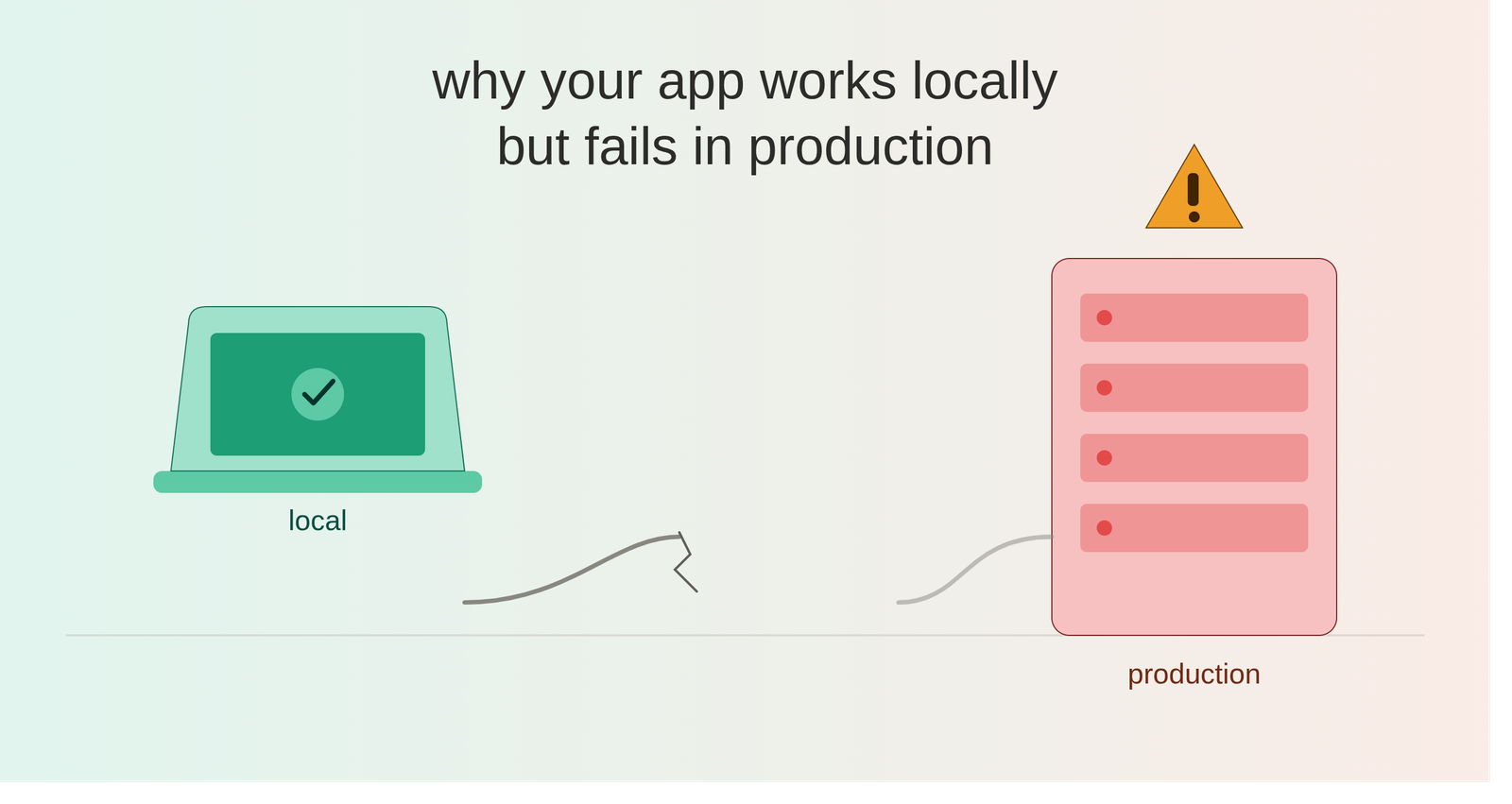
One of the most frustrating experiences in software development is hearing:
“It works perfectly on my machine.”
The application runs successfully in the local environment. The API responds correctly. The database works. The frontend loads without issues.
Then the application is deployed to production—and suddenly something breaks.
An API returns an error.
A database connection fails.
A file cannot be uploaded.
An environment variable is missing.
A background job never runs.
This situation is common, and it usually isn’t because production is “random.”
The real reason is that local and production environments are rarely identical.
Understanding those differences is an important part of becoming a stronger Full Stack Developer.
1. Environment Configuration
One of the most common causes of production issues is configuration.
Local applications often use a .env file containing development values:
APP_ENV=local
APP_DEBUG=true
DB_HOST=localhost
DB_DATABASE=myapp
DB_USERNAME=root
Production may use completely different configuration:
APP_ENV=production
APP_DEBUG=false
DB_HOST=production-db
DB_DATABASE=production_database
DB_USERNAME=app_user
If a variable is missing, incorrectly named, or points to the wrong service, the application may fail even though the code itself is correct.
Lesson: Configuration should be treated as part of the deployment process, not as an afterthought.
2. Database Differences
A local database might contain:
- Test data
- Different table structures
- Missing indexes
- Different database versions
- More permissive settings
Production may have:
- Large datasets
- Strict constraints
- Different permissions
- Different database configuration
- Replication or connection pooling
A query that works perfectly with 100 records locally might become extremely slow when executed against millions of production records.
This is why database performance must be considered with realistic data volumes, not only development data.
3. Missing Database Migrations
A developer may create a new migration locally and immediately see the updated schema.
But production will not automatically know about that change.
For example:
Local
users
└── email_verified_at
Production
users
└── email
If the application expects a column that hasn’t been migrated in production, requests can start failing immediately after deployment.
A reliable deployment process should include controlled database migration steps.
4. Different Dependency Versions
Your local machine may have:
Node.js 22
PHP 8.4
Package X 3.2
while production might have:
Node.js 20
PHP 8.3
Package X 2.9
Small version differences can cause unexpected behavior.
This is why dependency management and reproducible environments are important.
Tools such as lock files and containers help reduce these differences.
5. File System Differences
Developers often assume that a file written locally will behave the same way in production.
But production environments may have:
- Different file permissions
- Read-only directories
- Multiple application servers
- Ephemeral storage
- Separate cloud storage
For example, storing an uploaded file locally may work perfectly during development.
In production, the application might need object storage such as Amazon S3 or another cloud storage provider.
The architecture matters—not just the code.
6. CORS and Networking
A frontend may communicate with:
during development.
Production might use:
Now additional concerns appear:
- CORS configuration
- HTTPS
- Reverse proxies
- DNS
- Firewall rules
- Load balancers
- API URLs
A frontend can work perfectly locally and suddenly fail to communicate with the backend after deployment simply because the production networking configuration is different.
7. Environment-Specific API URLs
Hardcoded development URLs are another common problem.
For example:
const API_URL = “http://localhost:8000/api“;
This works locally.
But once deployed, the browser still tries to contact the developer’s local machine.
A better approach is to use environment-specific configuration:
Development → Local API
Staging → Staging API
Production → Production API
This keeps the application portable across environments.
8. Production Builds Behave Differently
Development environments often include:
- Hot module replacement
- Detailed error messages
- Source maps
- Debugging tools
- Development dependencies
Production builds are optimized.
They may include:
- Minification
- Tree shaking
- Code splitting
- Cached assets
- Different environment variables
A feature that works during development can sometimes expose a problem only after the production build.
That’s why testing the actual production build before deployment is valuable.
9. Background Jobs and Queues
Some applications rely on background workers for tasks such as:
- Sending emails
- Processing files
- Generating reports
- Sending notifications
- Processing large datasets
Locally, a developer may run the worker manually:
php artisan queue:work
But production requires a reliable process manager and worker configuration.
If the worker isn’t running, the API may successfully create the job while the actual task never executes.
The application appears to work—but nothing happens in the background.
10. Caching Can Hide Problems
Local environments often have little or no caching.
Production environments may use:
- Redis
- Application caching
- CDN caching
- Browser caching
- Query caching
This introduces another class of problems.
You may deploy a fix and still see the old behavior because something is serving cached data.
Caching improves performance, but it also introduces another layer that developers need to understand and monitor.
11. Logging Becomes Critical
When something fails locally, developers can usually open the terminal and inspect the error.
Production is different.
You need proper:
- Application logs
- Server logs
- Database logs
- API monitoring
- Error tracking
- Performance monitoring
Instead of asking:
“Why is this not working?”
you should be able to answer:
“Which service failed, when did it fail, and what caused the failure?”
Good observability turns production debugging from guesswork into investigation.
The Real Problem: Environment Parity
The deeper issue behind many “works locally” problems is environment drift.
The more differences between development and production, the greater the chance of unexpected behavior.
A simplified comparison might look like:
LOCAL PRODUCTION
Developer Machine Cloud Infrastructure
Local Database Managed Database
Local Filesystem Object Storage
Debug Mode Optimized Build
Single Server Multiple Services
Manual Queue Worker Managed Worker
Minimal Traffic Real User Traffic
Small Dataset Large Dataset
The goal is not necessarily to make development and production identical.
The goal is to make their important behaviors predictable and reproducible.
How Can Developers Reduce These Problems?
A mature development workflow should include:
1. Consistent environments
Use tools such as Docker where appropriate to reduce environment differences.
2. Dependency locking
Use lock files to ensure consistent package versions.
3. Automated testing
Run unit, integration, and end-to-end tests before deployment.
4. Staging environments
Test changes in an environment that closely resembles production.
5. CI/CD pipelines
Automate:
Code
↓
Build
↓
Test
↓
Deploy
↓
Verify
6. Environment configuration management
Keep secrets and environment-specific configuration outside the source code.
7. Monitoring and logging
Make production behavior observable.
8. Realistic testing
Test with realistic datasets, traffic patterns, permissions, and failure scenarios.
