
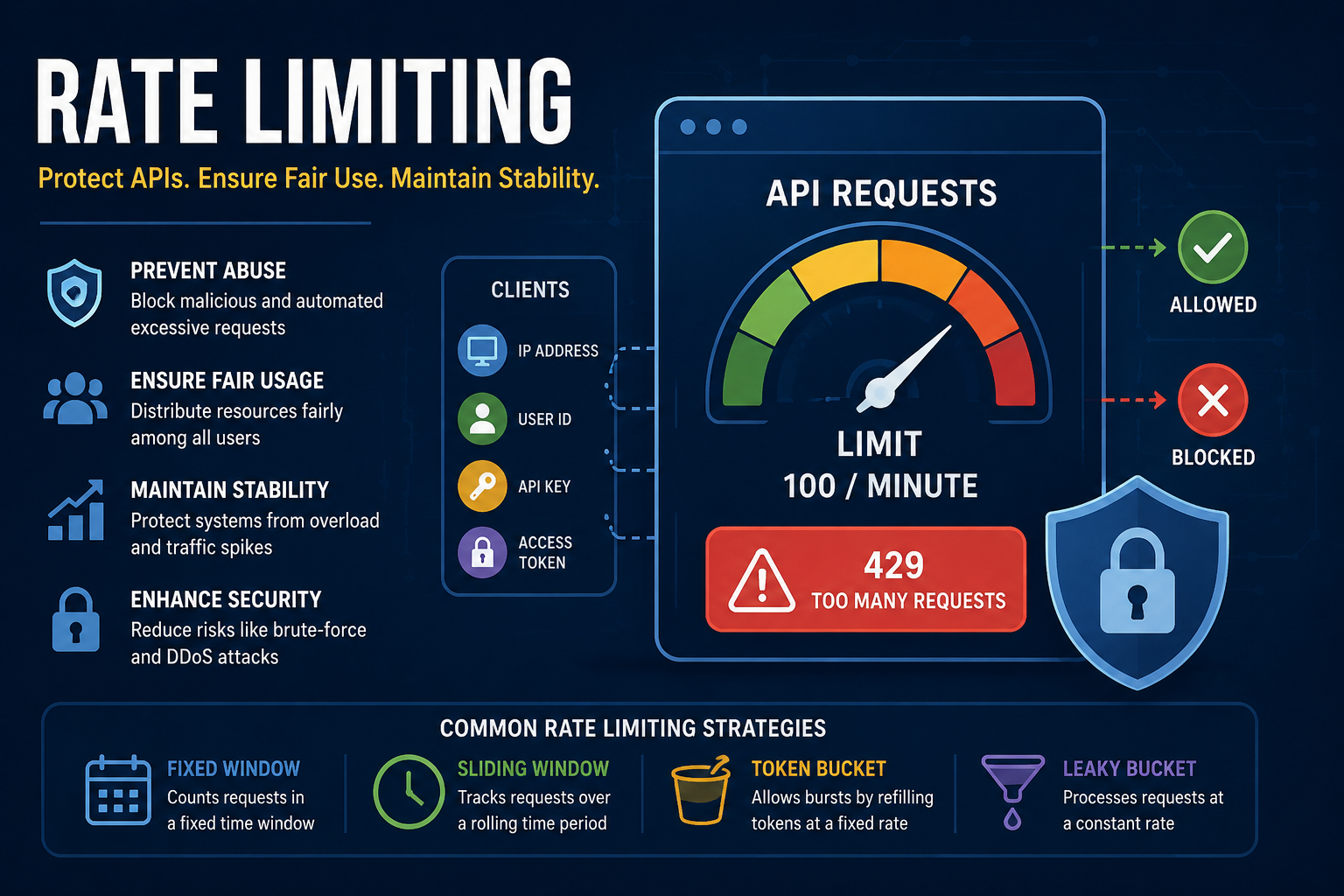
Rate limiting is a technique used to control the number of requests a client can make to an application or API within a specified time period. It is a fundamental mechanism for protecting systems from abuse, ensuring fair usage, and maintaining application stability under high traffic conditions.
Why Rate Limiting Is Important
Rate limiting plays a critical role in application reliability and security:
- Prevents abuse by limiting automated or malicious requests
- Protects infrastructure from overload and unexpected traffic spikes
- Ensures fair usage among all users and clients
- Improves system stability by smoothing traffic patterns
- Reduces security risks, such as brute-force and denial-of-service attacks
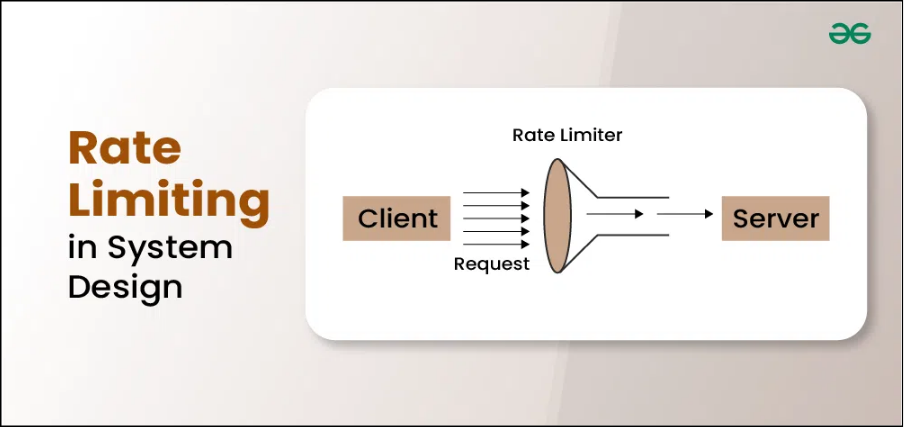
How Rate Limiting Works
Rate limiting operates by tracking requests made by a client over a defined time window. Clients are usually identified using one or more of the following:
- IP address
- User ID
- API key
- Access token
When the number of requests exceeds the configured limit, the server temporarily blocks or rejects further requests.
Common Rate Limiting Strategies
Fixed Window
Counts requests within a fixed time interval (e.g., 100 requests per minute).
Sliding Window
Tracks requests over a rolling time period.
- More accurate and fair
- Reduces burst-related issues
- Requires more resources
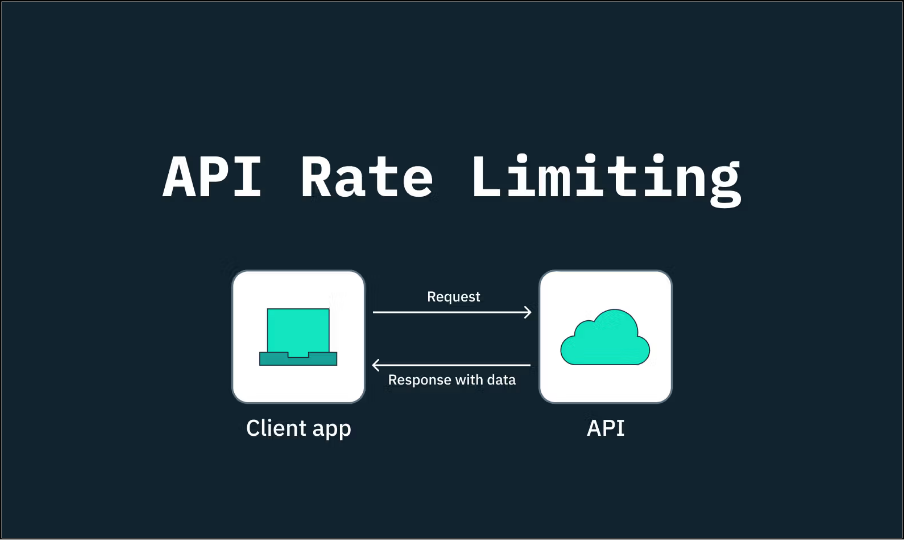
Token Bucket
Requests consume tokens from a bucket that refills at a fixed rate.
- Allows controlled bursts
- Smooth traffic handling
Leaky Bucket
Processes requests at a constant rate, discarding excess traffic.
- Produces steady output
- May introduce delays
Rate Limiting Responses
When a client exceeds the allowed limit, the server typically responds with:
- HTTP Status Code: 429 Too Many Requests
- Response message: Explains the limit violation
- Retry information: Indicates when requests can resume
