
Introduction
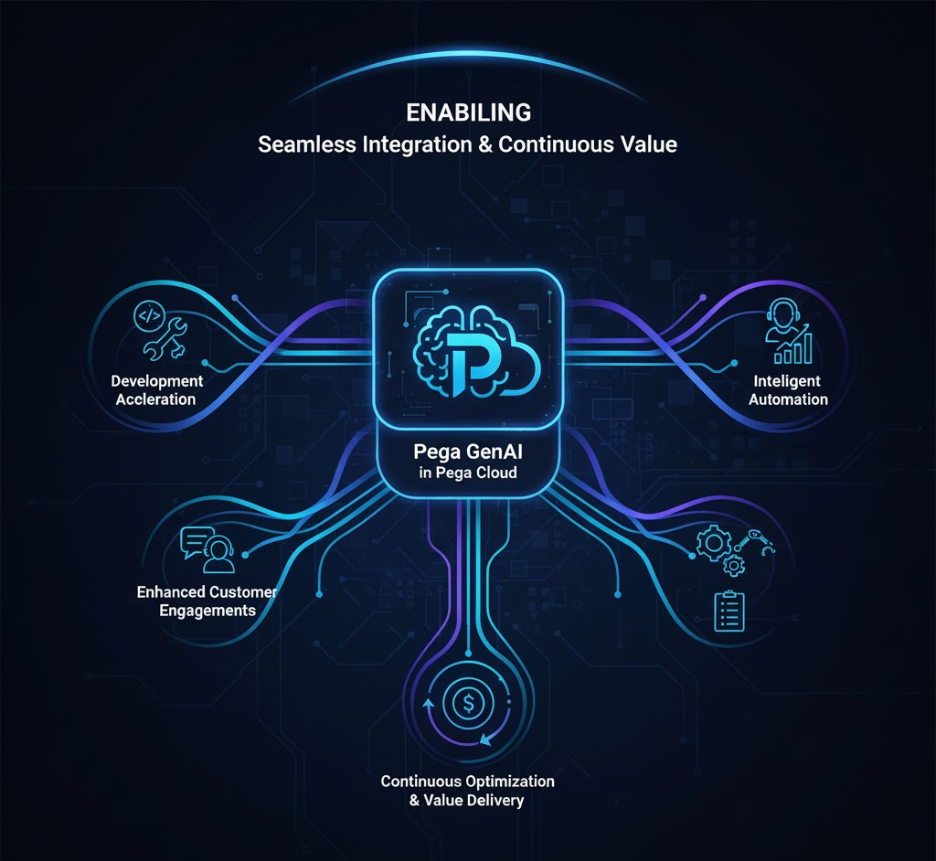
Generative AI is reshaping how enterprises build applications and interact with customers. With Pega GenAI™, organizations can incorporate AI-powered capabilities directly into the Pega Platform to accelerate application development, improve customer interactions, and automate complex business processes.
Whether your applications run on Pega Cloud® or in a client-managed environment, Pega offers flexible deployment options to leverage GenAI while maintaining enterprise-grade security and governance.
This article explains the prerequisites, deployment options, configuration process, and implementation best practices for enabling Pega GenAI.
What is Pega GenAI?
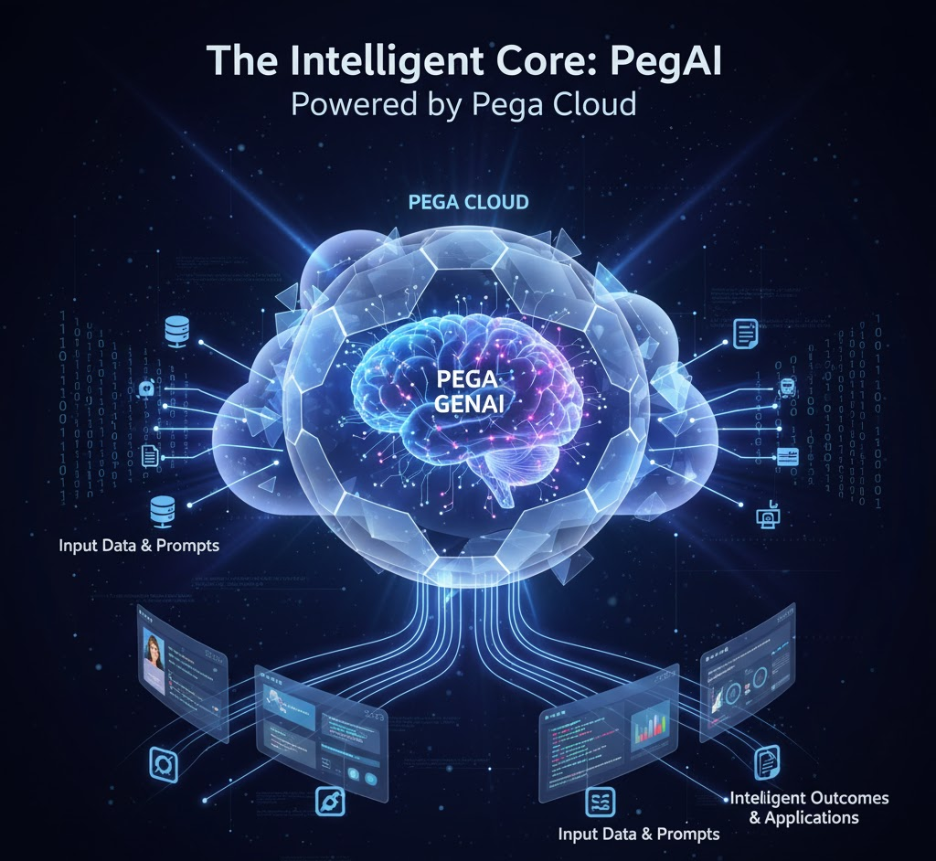
Pega GenAI is a suite of generative AI capabilities integrated into the Pega Platform. It enables developers, business users, and customer service representatives to accomplish tasks more efficiently through AI-assisted recommendations and automation.
Some of the primary use cases include:
- AI-assisted low-code application development
- Intelligent customer service recommendations
- Automated workflow generation
- Predictive decisioning
- AI-powered data summarization and insights
Instead of functioning as a standalone AI tool, Pega GenAI becomes part of the application’s business processes, helping organizations improve productivity and customer experiences.
Who Can Use Pega GenAI?
Pega GenAI is available for organizations running:
- Pega Cloud environments with an active GenAI subscription
- Client-managed or on-premises deployments connected securely through Pega GenAI PremBridge™
- Hybrid deployments where applications span both cloud and private infrastructure
If your current Pega subscription does not include GenAI capabilities, your Pega Account Representative can assist in enabling the required licensing.
Benefits of Enabling Pega GenAI
| Area | Business Value |
| Application Development | Accelerates low-code development with AI-generated recommendations |
| Customer Service | Provides conversation summaries and contextual suggestions |
| Decisioning | Improves targeting using adaptive AI models |
| Process Automation | Reduces manual effort through AI-assisted workflow generation |
| Analytics | Generates meaningful insights from large volumes of business data |
| Enterprise Scale | Integrates seamlessly with managed Pega Cloud services |
Prerequisites
Before configuring Pega GenAI, verify the following:
- Pega Infinity version 23 or later
- Active Pega Cloud subscription with GenAI entitlement
- Administrative access to Dev Studio or App Studio
- Network connectivity to Pega GenAI endpoints
- Organizational approval for AI governance, compliance, and data usage
Deployment Options
Pega Cloud 3
Organizations running Pega Cloud 3 can request GenAI enablement through their Pega Account Representative. Once enabled, GenAI services can be configured directly within the application.
Pega Cloud 2
Pega GenAI is supported on Pega Cloud 3. Organizations currently using Pega Cloud 2 should first upgrade their environments before enabling GenAI.
Client-Managed and On-Premises
Organizations managing their own infrastructure can access Pega GenAI using PremBridge™, which establishes a secure connection between the on-premises deployment and Pega Cloud AI services.
This approach enables AI capabilities without migrating the entire application landscape to the cloud.
Configuring Pega GenAI
After your environment has been provisioned for GenAI, complete the following configuration steps.
Step 1: Verify Your Environment
Confirm your Pega Cloud version through the My Pega Cloud portal.
Step 2: Configure the AI Connection
Navigate to:
Dev Studio → Records → SysAdmin → Generative AI Connection
Configure:
- Connection endpoint
- Authentication credentials
- Certificates (if applicable)
Save the configuration.
Step 3: Validate Connectivity
Use the built-in connection test to verify successful communication with the GenAI service.
Once validation succeeds, your applications can begin consuming GenAI capabilities.
Security and Data Protection
Pega GenAI is designed with enterprise security in mind.
Key security characteristics include:
- Customer data is not used to train foundation AI models.
- All requests are transmitted over encrypted channels.
- Role-Based Access Control (RBAC) governs access to AI capabilities.
- Compliance support for regulations including GDPR, HIPAA, and SOC 2.
These measures help organizations adopt AI while maintaining strong governance standards.
Additional AI Services
Pega Blueprint™
Pega Blueprint enables users to create application blueprints using natural language prompts through a web-based interface.
Since it operates as a cloud service, PremBridge is not required.
Pega GenAI Knowledge Buddy™
Knowledge Buddy assists customer service representatives by retrieving relevant knowledge articles and providing AI-generated guidance during customer interactions.
For supported cloud deployments, it integrates directly with Pega services.
Recommended Implementation Practices
To maximize the value of Pega GenAI:
- Begin with a limited business use case before expanding across the enterprise.
- Continuously monitor AI usage and response quality.
- Establish governance policies for AI-generated content.
- Provide prompt engineering guidance to development and business teams.
- Keep environments updated with the latest Pega releases.
Deployment Comparison
| Deployment Model | Requirement | Connectivity | Remarks |
| Pega Cloud 3 | GenAI Subscription | Direct | Fully supported |
| Pega Cloud 2 | Upgrade Required | Direct | Upgrade to Cloud 3 |
| Client-Managed | PremBridge | Secure Connection | No cloud migration required |
| Pega Blueprint | None | Web Access | Available independently |
| Knowledge Buddy | Supported Cloud Environment | Direct | Cloud-based service |
Conclusion
Pega GenAI extends the Pega Platform with enterprise-ready generative AI capabilities that simplify application development, improve customer service, and enhance operational efficiency.
Whether deployed through Pega Cloud or connected via PremBridge, organizations can adopt AI while maintaining the security, governance, and scalability expected from an enterprise platform. Starting with focused use cases and expanding strategically can help teams realize measurable business value from Pega GenAI.
