
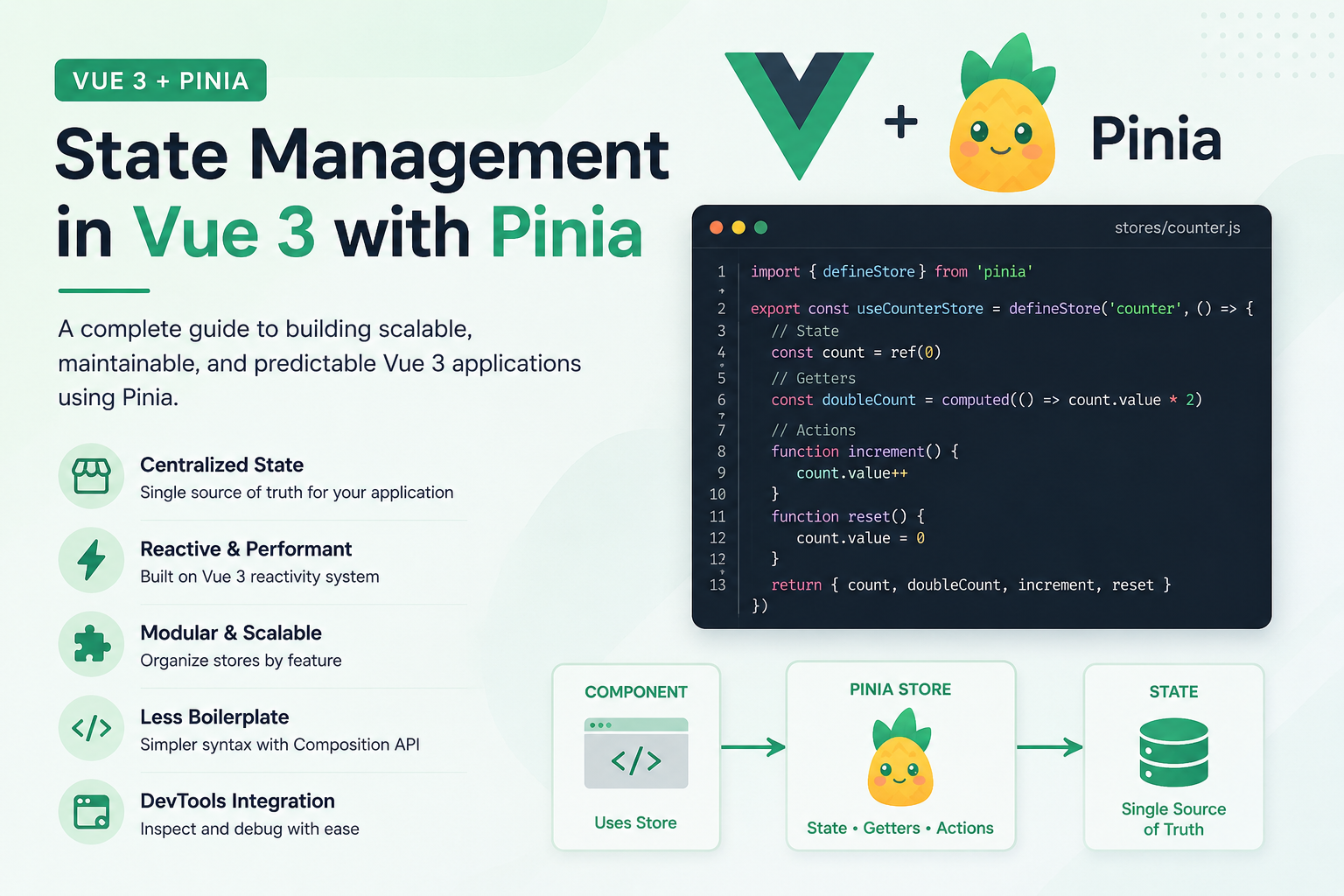
What is State Management?
State management is the systematic handling of application data across components. In frontend applications, it ensures consistent data flow, predictable updates, and maintainable code structure.
Why Pinia?
Pinia is the official state management library for Vue 3, replacing Vuex. It offers:
- TypeScript support out of the box
- Composition API syntax
- DevTools integration
- Modular architecture
- Less boilerplate code
1. Store Definition
A store is a reactive container holding state and business logic.
Basic Store Structure:
javascript
// stores/counter.js
import { defineStore } from ‘pinia’
export const useCounterStore = defineStore(‘counter’, () => {
// State
const count = ref(0)
// Getters (Computed)
const doubleCount = computed(() => count.value * 2)
// Actions (Methods)
function increment() {
count.value++
}
function reset() {
count.value = 0
}
return { count, doubleCount, increment, reset }
})
2. State
Reactive data that represents your application’s condition.
State Patterns:
- Use ref() for primitive values
- Use reactive() for objects
- Initialize with default values
- Keep state serializable when possible
3. Getters
Computed values derived from state.
Getter Characteristics:
- Always return a value
- Can accept arguments
- Cached based on dependencies
- Use other getters
4. Actions
Methods that modify state or perform side effects.
Action Guidelines:
- Can be async/await
- Can call other actions
- Should contain business logic
- Can call APIs or other stores
Store Patterns
Basic Store
javascript
// stores/user.js
export const useUserStore = defineStore(‘user’, () => {
const user = ref(null)
const isLoggedIn = computed(() => !!user.value)
async function login(credentials) {
const response = await api.login(credentials)
user.value = response.data
}
function logout() {
user.value = null
}
return { user, isLoggedIn, login, logout }
})
Store with Persistence
javascript
// stores/auth.js
export const useAuthStore = defineStore(‘auth’, () => {
const token = ref(localStorage.getItem(‘token’))
const user = ref(JSON.parse(localStorage.getItem(‘user’) || ‘null’))
// Auto-persist to localStorage
watch(token, (newToken) => {
if (newToken) localStorage.setItem(‘token’, newToken)
else localStorage.removeItem(‘token’)
})
watch(user, (newUser) => {
if (newUser) localStorage.setItem(‘user’, JSON.stringify(newUser))
else localStorage.removeItem(‘user’)
})
return { token, user }
})
Component Usage
Accessing Stores in Components
vue
<template>
<div>
<p>Count: {{ counter.count }}</p>
<p>Double: {{ counter.doubleCount }}</p>
<button @click=”counter.increment”>Increment</button>
<button @click=”counter.reset”>Reset</button>
</div>
</template>
<script setup>
import { useCounterStore } from ‘~/stores/counter’
const counter = useCounterStore()
</script>
Store Destructuring
vue
<script setup>
import { useCounterStore } from ‘~/stores/counter’
import { storeToRefs } from ‘pinia’
const counter = useCounterStore()
// Proper destructuring with reactivity
const { count, doubleCount } = storeToRefs(counter)
const { increment, reset } = counter
</script>
Advanced Patterns
Cross-Store Actions
javascript
// stores/cart.js
export const useCartStore = defineStore(‘cart’, () => {
const items = ref([])
const userStore = useUserStore()
async function checkout() {
if (!userStore.isLoggedIn) {
throw new Error(‘Must be logged in to checkout’)
}
// Use user data from another store
const order = await api.createOrder({
userId: userStore.user.id,
items: items.value
})
items.value = []
return order
}
return { items, checkout }
})
Async Actions with Loading States
javascript
// stores/products.js
export const useProductsStore = defineStore(‘products’, () => {
const products = ref([])
const loading = ref(false)
const error = ref(null)
async function fetchProducts() {
loading.value = true
error.value = null
try {
const response = await api.getProducts()
products.value = response.data
} catch (err) {
error.value = err.message
} finally {
loading.value = false
}
}
return { products, loading, error, fetchProducts }
})
