
Introduction
Software teams often face the same problem. A developer builds a feature based on the ticket. Then, a tester finds an issue and reports it as a bug. However, the product owner may say that the feature was never meant to work that way.
In this situation, everyone may have followed their own understanding of the requirement. The real problem is that the team did not define the requirement clearly. As a result, different people understood the same feature in different ways.
Behavior-Driven Development, or BDD, helps solve this problem. BDD gives developers, testers, and business teams a common way to discuss software before development begins. It focuses on what the software should do and why that behavior matters.
This guide explains what BDD means, how it helps teams, and where it can fail. It also covers common mistakes and simple ways to use BDD more effectively.
What Is Behavior-Driven Development?
Behavior-Driven Development grew from Test-Driven Development, also known as TDD. In TDD, developers write a test before they write the code. They then write enough code to make the test pass. This approach helps developers create well-tested code. However, TDD tests usually use programming languages, so business users may find them difficult to understand.
BDD takes this idea and makes it easier for the whole team to understand. Instead of writing only code-based tests, teams describe software behavior in simple language.
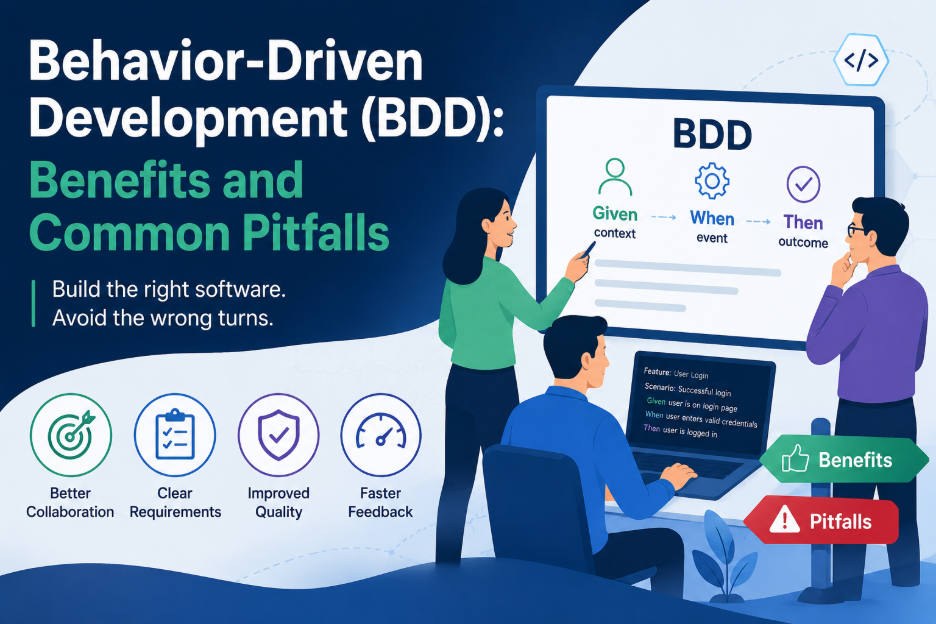
BDD often uses a format called Gherkin. It uses three main words:
- Given – describes the starting situation
- When – describes the action
- Then – describes the expected result
For example:
Feature: Loan eligibility check
Scenario: Applicant meets the minimum income requirement
Given the applicant has a verified monthly income of 60,000
When the applicant applies for a personal loan of 300,000
Then the system should approve the application for further review
This format makes the expected behavior easy to understand. Therefore, both technical and non-technical team members can review the same scenario. Teams can later connect these scenarios to tools such as Cucumber, SpecFlow, or Behave. The scenarios can then work as both documentation and automated tests.
The Three Amigos in BDD
BDD works best when the team discusses requirements before development starts. This discussion is often called the Three Amigos meeting.
The meeting usually includes:
- A business representative
- A developer
- A tester
Each person brings a different view of the requirement. The business representative explains the expected business result. The developer looks at how the system can support it. Meanwhile, the tester looks for possible problems and missing cases.
Together, they discuss the feature and create clear scenarios. This shared discussion is more important than the BDD tools themselves. A team can use Cucumber and write correct Gherkin syntax, but BDD may still fail if the team does not discuss the requirement together.
Benefits of Behavior-Driven Development
1. Creates a Shared Language
One major benefit of BDD is better communication. Everyone can use the same business terms and the same Given-When-Then format.
As a result, testers do not need to study complex code to understand expected behavior. Developers also have less need to guess what a product owner means. The scenario explains the expected result in clear language.
2. Keeps Documentation Useful
Traditional requirement documents can become outdated when a product changes. BDD scenarios can help reduce this problem.
The scenarios can run as automated tests during builds. If a scenario no longer matches the application, the test may fail. This failure tells the team that someone needs to review the scenario.
Therefore, BDD can help keep documentation closer to the actual behavior of the product.
3. Finds Requirement Problems Early
BDD encourages teams to discuss requirements before development begins. Because of this, teams can find missing details or conflicting requirements early.
For example, a short discussion may reveal a problem before developers start coding. Fixing that issue early can save time later. It is usually easier to correct a misunderstanding during planning than after development and testing.
4. Connects Tests With Business Goals
BDD scenarios are readable, but they can also become automated tests. Tools such as Cucumber, SpecFlow, and Behave can connect the steps to test code.
This approach gives automated tests a clear business purpose. Instead of creating tests only for technical coverage, teams can connect them to real user and business needs.
5. Covers More Than Basic Features
BDD does not have to focus only on normal software functions. Teams can also use scenarios to describe expectations related to performance, security, and usability.
For example, a team could describe how many users the system should support and how quickly it should respond. This keeps the discussion focused on the result that users expect.
Common BDD Pitfalls
BDD can provide strong benefits, but teams can also use it in the wrong way. Poor practices may turn useful feature files into difficult documents that nobody wants to maintain.
1. Writing Test Scripts Instead of Behavior Scenarios
One common mistake is writing scenarios that describe every user action.
For example, a scenario might describe clicking a login button and entering text into a username field. This approach focuses on the user interface instead of the expected behavior.
As a result, the scenario can break when the design changes. A better scenario focuses on the user’s goal:
Given a registered user
When the user logs in with valid credentials
Then the user should see the account dashboard
The scenario explains what should happen. The technical details belong in the code behind the steps.
2. Putting Multiple Behaviors Into One Scenario
Each scenario should focus on one behavior. However, teams sometimes combine several checks into one long scenario to save time.
This can make failures harder to understand. When the test fails, the team may not know which behavior caused the problem.
Therefore, keeping one behavior in each scenario makes tests easier to read, debug, and maintain.
3. Skipping the Three Amigos Discussion
BDD depends on teamwork. If one developer or tester writes all the scenarios alone, the scenarios may reflect only that person’s understanding.
The rest of the team may then have a different view of the requirement. In that case, the team may use Gherkin without getting the main benefit of BDD: shared understanding.
4. Letting Feature Files Become Outdated
Business rules can change quickly. When feature files do not receive regular updates, they may no longer match the product.
An outdated scenario can create false confidence. It may still pass while testing the wrong behavior.
For this reason, teams should review feature files whenever important business rules change.
5. Using Feature Files for Every Requirement
Feature files work well for describing expected behavior. However, they should not replace every type of technical documentation.
For example, detailed architecture decisions and technical constraints may need separate documents. BDD feature files work best as a shared view of expected behavior.
6. Underestimating the Learning Curve
Good BDD scenarios take practice. Writers need to keep scenarios clear, focus on one behavior, and use language that business users understand.
Because of this, teams may need training and regular reviews when they first introduce BDD. Without enough support, teams may become frustrated and stop using it.
7. Using BDD for Every Project
BDD does not fit every type of project.
It works especially well for user-facing applications where business teams need to understand and review software behavior. However, highly technical backend services may not gain the same value from BDD.
Similarly, early experimental products may change too quickly for detailed behavior scenarios to provide much value. Therefore, teams should choose BDD based on the needs of the project instead of using it everywhere.
How to Use BDD Effectively
Teams can follow a few simple practices to get better results from BDD.
Start With the Three Amigos
First, discuss the requirement with the business representative, developer, and tester. This creates a shared understanding before anyone writes the scenarios.
Focus on Behavior
Next, describe what the system should do instead of describing every button click or screen action. Keep technical details inside the automation code.
Keep One Behavior Per Scenario
Each scenario should test one clear behavior. This makes failures easier to understand and fix.
Use Common Business Terms
Create a shared glossary when needed. Then, everyone can use the same terms in scenarios and discussions.
Review Feature Files
Treat feature files with the same care as code. Regular reviews can catch unclear, long, or unnecessary scenarios.
Update Old Scenarios
Business rules change over time. Therefore, review, update, or remove scenarios that no longer match the product.
Choose BDD Carefully
Finally, use BDD where it provides real value. Behavior-rich features with strong business involvement are often a good fit.
Final Thoughts
Behavior-Driven Development is more than a way to write automated tests. Its main purpose is to help people understand software behavior before development begins.
When developers, testers, and business teams work together, they can find unclear requirements earlier. They can also create scenarios that explain expected behavior in simple language.
However, BDD only works well when teams use it correctly. Writing UI scripts, combining too many behaviors, skipping team discussions, and ignoring old scenarios can reduce its value.
Therefore, teams should treat BDD as a collaboration practice, not just a testing technique. When used for the right features and supported by regular communication, BDD can improve shared understanding, testing, and project quality.
